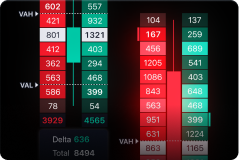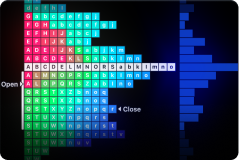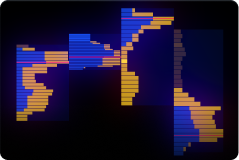
Built for speed, clarity, and serious analysis — without paywalls.

TRADING RADAR —
PRO CRYPTO CHARTS +
SIGNALS.
TRADING RADAR —
PRO CRYPTO CHARTS +
SIGNALS.

100% Free on Windows.

Trading Radar is a powerful Windows desktop app for crypto traders: advanced charting, full technical analysis, multi-
timeframe views, alerts — and built-in trading signals to help you spot high-probability setups faster.

Download Trading Radar — Free

No subscription. No credit card. Just install & trade smarter

Why Trading Radar

Stop Paying Monthly Fees for
Tools You Use Every Day

Most platforms lock advanced features behind subscriptions. Trading Radar gives you the full experience — free — and adds an extra edge with crypto signals designed to support your decision-making.
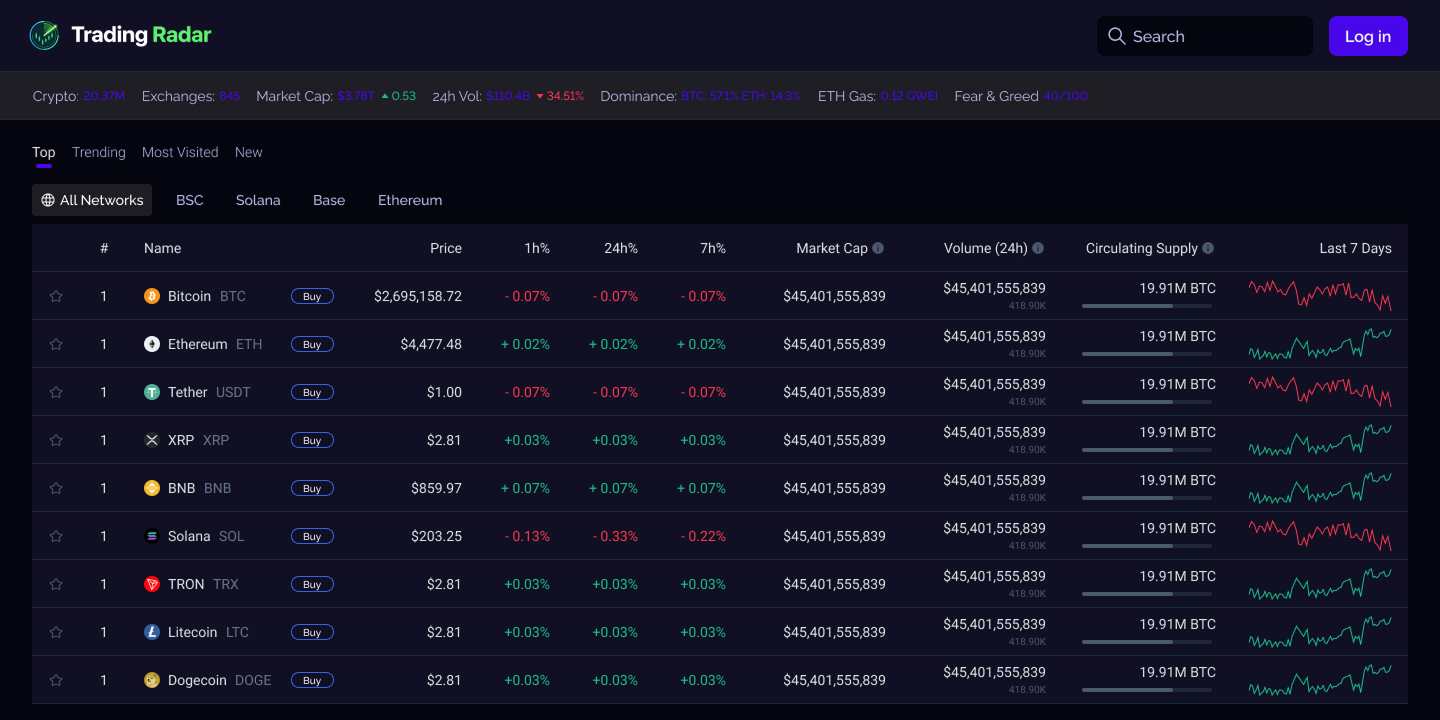
Pro-grade charting

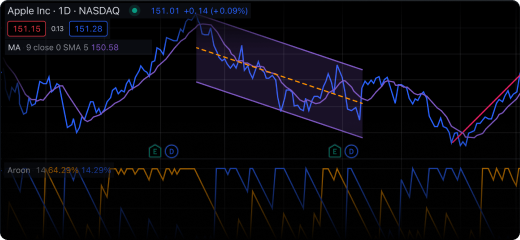
Indicators, drawing tools, templates, multi-chart layouts

Signal-ready workflow

See opportunities quickly with built-in signal panels & alerts

Windows desktop performance

Smoother navigation, faster switching, less browser clutter

Our Benefits

Trade With More Clarity.
Act With More Confidence.

See the market faster with clean, responsive charts and multi-timeframe analysis

Plan entries & exits using indicators, drawings, and saved layouts

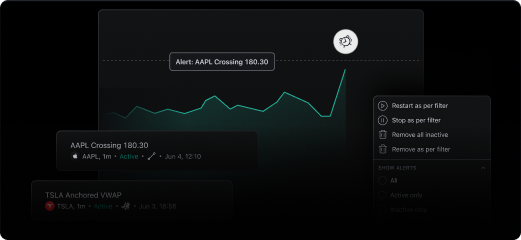
Never miss a move with alerts for levels, conditions, and signal triggers

Stay consistent with templates and a repeatable trading routine

Download Free for Windows
Features

A Full Technical Analysis
Toolkit — Free

Charting & Analysis

  • Multiple chart types and timeframes
  • Indicator library + favorites
  • Drawing tools (trendlines, channels, fib levels, support/resistance)
  • Save layouts, templates, and presets
  • Multi-chart view (watch several pairs at once)

Trading Workflow

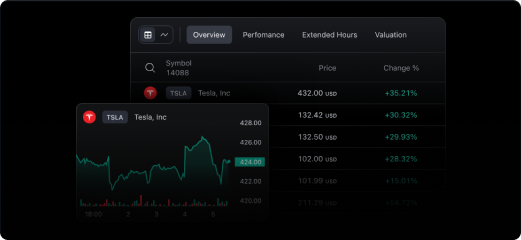
  • Watchlists and quick symbol switching
  • Price alerts and condition-based alerts
  • Clean “focus mode” for analysis sessions

Performance

  • Desktop-grade stability for long trading sessions
  • Designed for fast switching between pairs & timeframes
How It Works

From Install to First Setup
in Minutes

01

Download & install Trading Radar for Windows

02

Pick your pairs and create a watchlist

03

Load your layout (single chart or multi-chart)

04

Add indicators and save presets

05

Turn on signals & alerts for the timeframes you trade

No complicated setup. No subscriptions to unlock features.

Crypto Signals

Built-In Crypto Signals —
Spot Setups Without
Staring at Charts All Day

Trading Radar includes a Signals module that highlights potential opportunities using technical conditions and market structure logic. Use signals to filter noise, then confirm with your own analysis.

  • Signal feed with clear pair + timeframe context
  • Optional confirmations (trend, momentum, volatility filters)
  • Alert notifications when a signal appears
  • “Why this signal?” breakdown (so it’s not a black box)

Signals are decision-support tools — not guarantees. Always manage risk and confirm with your strategy.

Get Trading Radar (Free)
Reviews

Traders Use Trading Radar For
One Reason: Speed + Clarity

Alex

Swing Trader

“Finally a clean desktop terminal that doesn’t hide features behind a paywall.”

Maya

Day Trader

“Signals help me narrow down what to watch — then I confirm on the chart.”

Daniel

Scalper

“Multi-chart layouts on desktop feel smoother than browser tools.”

Comparison

The Pro Experience —
Without the Monthly Bill

Trading Radar

Free, full charting toolkit, built-in signals, Windows desktop

Typical platforms

Subscription tiers, feature locks, add-ons for signals, browser limits

Download Free
FAQ

Frequently Asked Questions

Yes. Trading Radar is 100% Free to download and use.
No. Signals don’t guarantee profit and aren’t financial advice. They highlight potential setups based on your rules—always confirm with your own analysis and manage risk.
Trading Radar works on most Windows PCs and is officially supported on Windows 10/11 (64-bit).
The app can open offline, but live charts, signals, and alerts require an internet connection to update market data. Without internet, you may still view previously loaded layouts (if available), but data won’t refresh.
Free. Fast install. No subscription.

Download Trading Radar
and Upgrade Your Trading
Workflow — Free
Download Trading Radar
and Upgrade Your Trading
Workflow — Free

Download for Windows